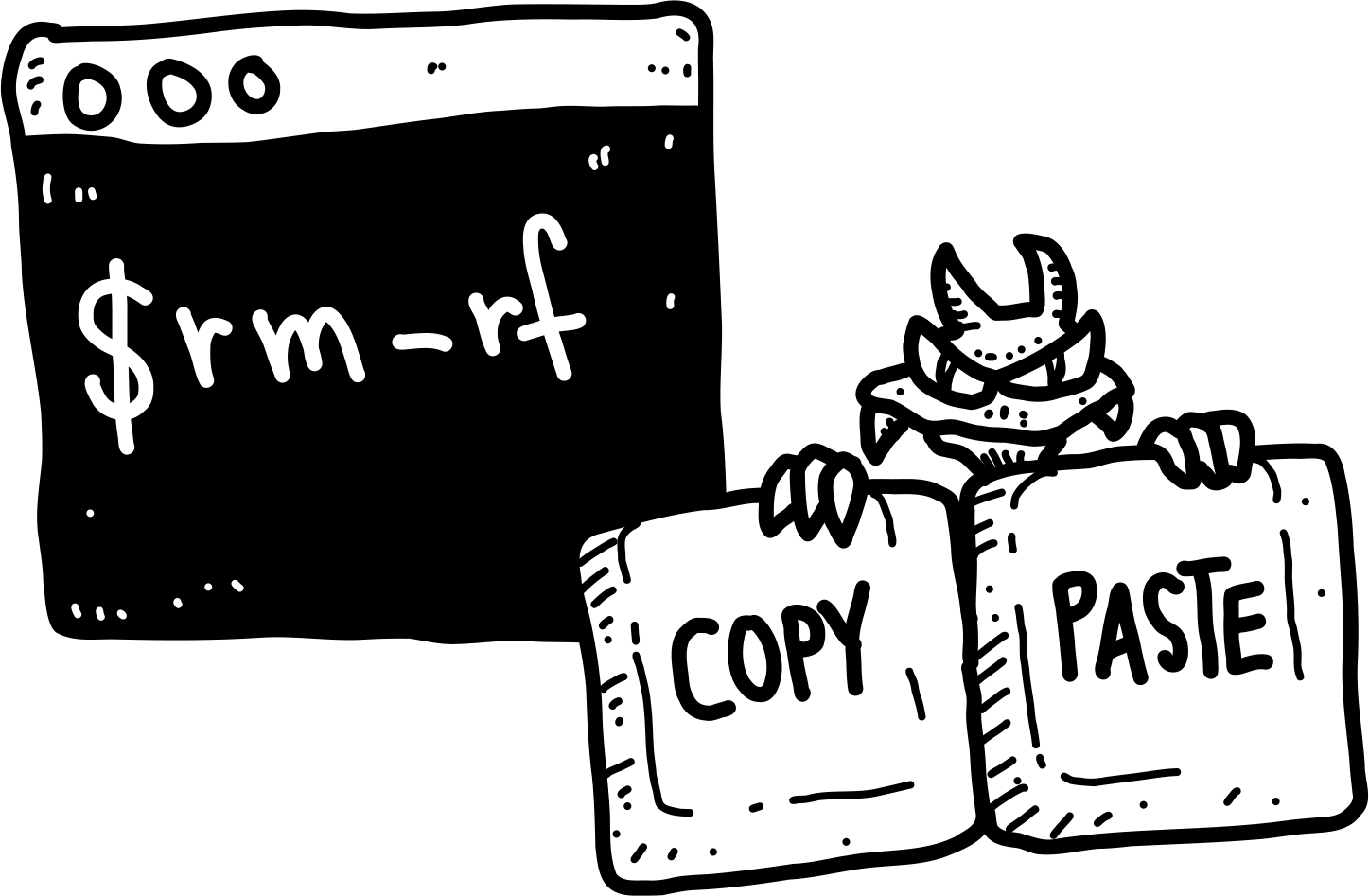
Right now, attackers are using a trick called the ClickFix (Copy-Paste) exploit. This short training will show you how it works and how to stay safe.
What and why?
What Is ClickFix?
ClickFix is a psychological trick designed to get you to run harmful commands on your own system without realizing it.
How it works
Disguised as a Normal Message
You might come across what looks like a normal message while browsing a website, reading an email, or even seeing an online ad.
It could appear as an error pop-up or a message asking you to verify you're not a robot. Then, it tells you something like:
"There was an unexpected error. To fix it, follow the steps below."
Immediate Action Required!
Copy this command: Copy
Press Windows + R | Command + Space and run "Terminal"
Paste it (Control + V | Command + V)
Press Enter
How it works
The Dangerous Instructions
And that's it.
Understanding the risk
What Happens?
Here's the catch: the command you just copied and pasted is malicious.
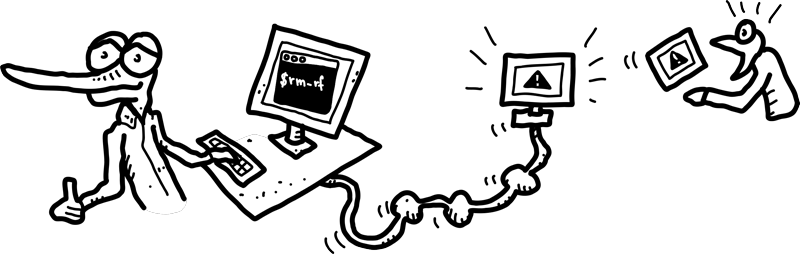
It might look technical and confusing, so you trust it and just follow the steps. But the moment you press Enter, you could be giving the attacker access to your system, your private files, your accounts, or even your webcam and microphone.
Understanding the risk
How They Trick You
Scammers make these attacks look official and urgent. Some of their most common tricks include:
Fake error messages that appear to be from trusted programs like Microsoft Word, Google Chrome, or your operating system
Phony "I'm not a robot" tests that include dangerous copy-and-paste instructions
Emails pretending to be from trusted companies, linking to shady websites that kick off the scam
All of these tricks are designed to do one thing. They want you to paste a harmful command into your computer.
What to do
Don't Be Fooled
Real companies never ask you to fix problems by pasting commands into your computer. If you see a message telling you to do that, it's a clear red flag.
What to do
How to Protect Yourself
Use these tips to stay safe:
Be skeptical of strange pop-ups or error messages, especially if they ask you to run commands
Never copy and paste commands from websites or emails unless you know exactly what they do
What to do
Pause, Question, Double-Check
These scams rely on you reacting quickly without thinking. So take a moment to pause and ask yourself if the message makes sense.
When something feels off, it probably is. Don't click. Don't paste. And when in doubt, ask Helpdesk.
Congratulations!
Well done! You've now completed the course.
We'll contact you when it's time for the next course. You may now close this window.