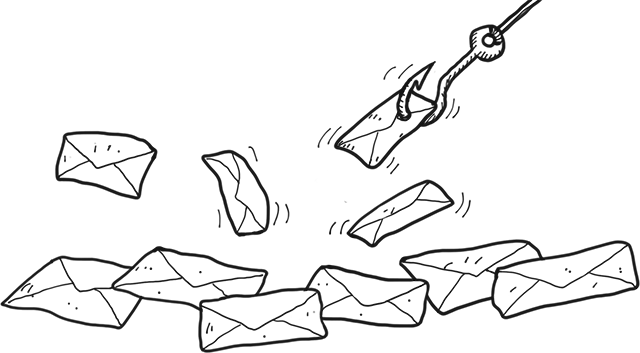
In a few minutes, you'll learn the most important things about phishing in emails and on web pages.
What and Why?
Phishing is a type of fraud in emails and on the web.
It can be difficult to distinguish fake emails and fake web pages from genuine ones. Often, the fake variants are identical copies of genuine emails and web pages.
What and Why?
The purpose of phishing is to acquire sensitive information such as usernames, passwords, and credit card numbers.
Criminals attempt to obtain this valuable data through fake emails and fraudulent websites.
What and Why?
For example, if you are tricked into entering a username and password for your email account on a fake website, the perpetrators may:
Access login information for other services, such as business management tools or Facebook.
Send, read, and copy your emails.
Request information from your colleagues or suppliers.
Your Apple ID is temporarily locked!
From: Apple
To: Teresa <teresa.defreitas@futuraskolan.se>
Dear Customer,
Our system has detected several unsuccessful attempts whith your Apple Id from unknown devices.
Your Apple ID allows you to make purchases on the App Store and iTunes Store.
Attackers often disguise themselves as well-known companies or internet services.
Microsoft, Apple, and Google are frequently impersonated, making it likely that you have a relationship with the company the attackers claim to represent.
Common Methods of Acquiring Information
These attacks often begin with an urgent email designed to make you believe immediate action is required.
Such emails typically contain a link that you're asked to click.
Are You Following?
What is Phishing?
No, try again!
No, try again!
Correct!
You're right! Phishing is a type of fraud in emails and on the web.
Common Methods of Acquiring Information
Phishing is becoming increasingly sophisticated and there are both locally and personally tailored scams, where the attackers use information they have found out about their victims.
Call the Bluff - Addresses
Emails can be easily spoofed, but reviewing the sender's address—by hovering over it, clicking on it, or tapping it—can reveal discrepancies.
If you choose to forward an email, you may be able to see the actual sender's address in the draft that is created for forwarding.
Call the Bluff - Addresses
Although the sender's display name may appear correct, the email address itself can sometimes reveal a scam.
Apple Support <noreply@fake-foxmail.com>
The email address might differ from the display name, or be spelled with unexpected letters and numbers.
Call the Bluff - Addresses
Microsoft Support <support@micr0soft.com>
In this example, the letter "o" is replaced with a zero.
It's important to be observant:
www.gooqle.com (q replaces g)
info@lkea.com (l replaces i)
Call the Bluff - Links
Criminals not only create fake web pages that look like real ones, but they also often use web addresses that closely resemble legitimate ones.
Call the Bluff - Links
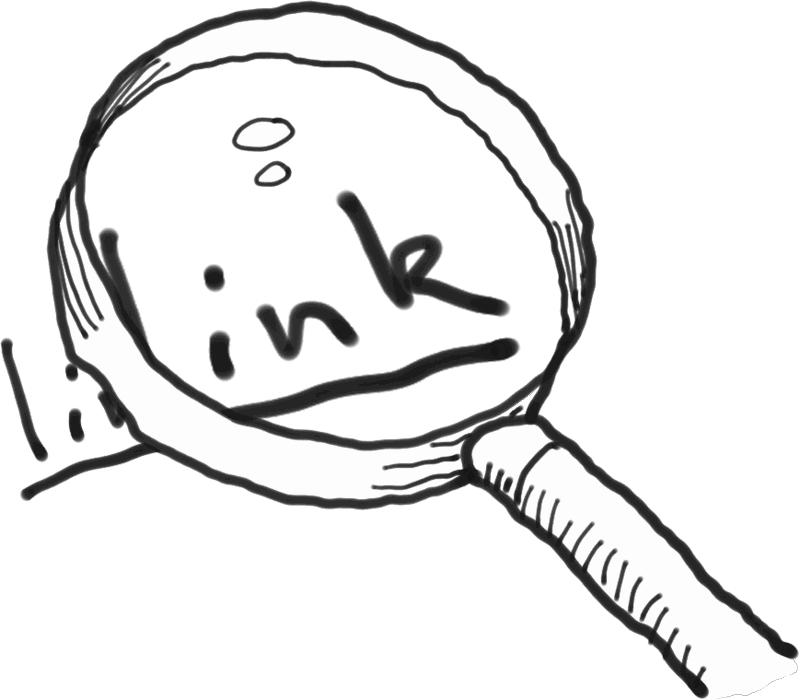
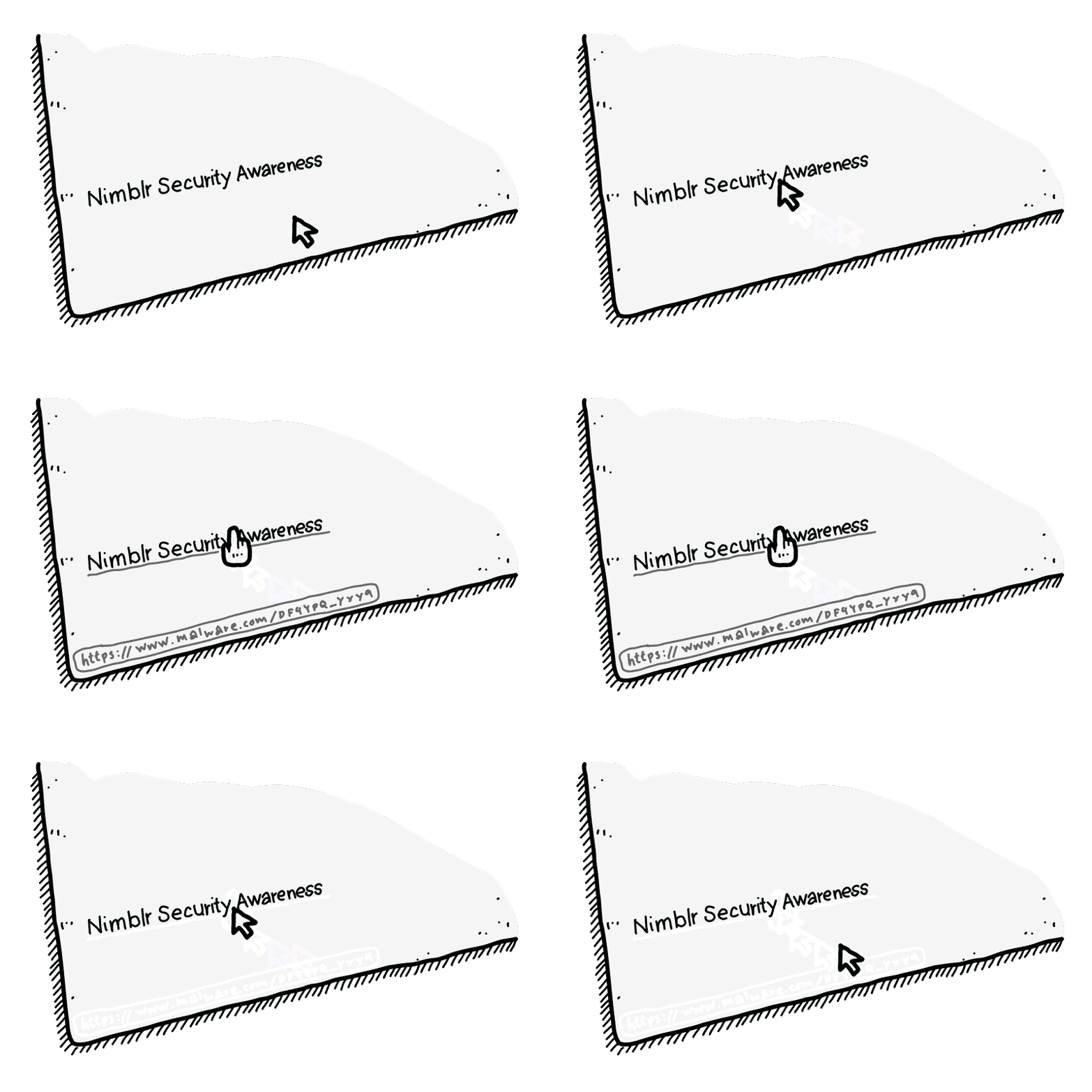
If you receive an email containing a link, check the link before clicking it.
On a computer, hover the mouse pointer over the link without clicking to display the actual web address.
On mobile devices, it is more challenging to preview links. Therefore, pay extra attention to details that might reveal a scam.
Call the Bluff - Links
Try it yourself!
Here's a fake link. Try to find out where the link leads without clicking it.
A domain name is unique. It's important to be able to identify the domain name in long and complicated links to ensure the link leads to a genuine web page.
Legitimate link to a Google page:
https://w1.google.com/index.html
Link to an unknown, possibly malicious page:
https://google.com.w1.com/index.html
Call the Bluff - Links
Often, domain names with common words are used to make the link look legitimate...
Legitimate link to an Ikea page:
https://products.ikea.com/a2/
Link to an unknown, possibly malicious page:
https://ikea.com.products.com/a2
Call the Bluff - Links
...so it's important to identify the actual domain name, which is always listed as the last part before the first single slash in the link.
Legitimate link to a Microsoft site:
https://office365.microsoft.com/login
Link to an unknown, possibly malicious page:
https://office365.microsoft.com.login4.com/
Click the Link That Leads to a Genuine Google Page
No. This link leads to xo.com
No. This link leads to google-com.io
No. This link leads to security.com
No. In this link, the second "g" has been replaced by "q"
Correct!
That's right. Google.com is the domain name and the link is therefore legitimate. Good work!
Call the Bluff - Links
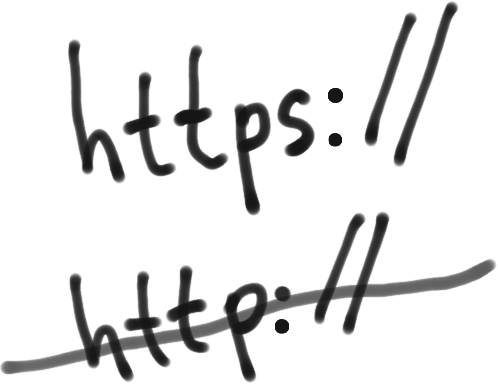
If you, via a link, end up on a webpage that asks for sensitive information, ensure the website is legitimate, the URL is spelled correctly, and that the URL begins with https rather than just http.
If you're unsure about the legitimacy of a page you're visiting, restart your browser and enter the URL manually.
Call the Bluff - Review the Content
You have now learned how to detect phishing by checking senders and links.
However, in some cases, advanced technology is used that makes it impossible to identify fake senders and fake links. Here are some tips to keep in mind.
Call the Bluff - Review the Content
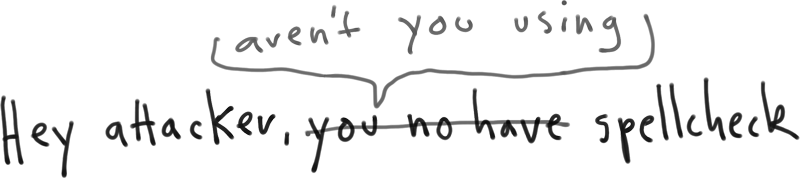
Poor language and misspellings are common in fraudulent messages, as they are often hastily created. If the message claims to be very urgent, it can also be a sign that something is wrong.
Call the Bluff - Review the Content
Never send your password in an email, even if someone you trust asks for it.
No legitimate organization will ask its customers to send such information via email or provide it over the phone.
If you're asked to send your username and password by email, it's likely a scam.
If you're prompted to provide passwords or codes over the phone, it's definitely a scam.
Important information!
From: Bent Karlsson <mrfly773884@hotmail.com>
To: Teresa <teresa.defreitas@futuraskolan.se>
Hello.
We have secret information for you. Click on this link: